
The Checkbook system will store the Invoice Number of every invoice paid by the system. As new invoices are entered, the system will automatically check to see if the invoice has been previously paid.
You can use the File Search option at any time to see if an invoice has been previously paid.
You do not need to enter any history in this file when you begin. The system will begin capturing the history as the first invoices are paid. Please note that the Invoice Number is placed in this file as the check is printed and not as the invoice is entered for payment. This routine will not prevent an invoice from being entered a second time if the first invoice has not yet been paid.
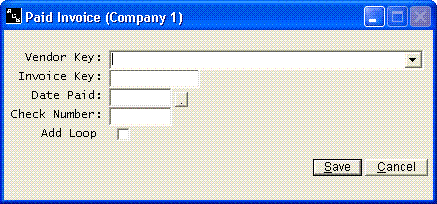
The Payee Number, the Invoice Number, the Date Paid and the Check Number are the only information that is stored in this file.
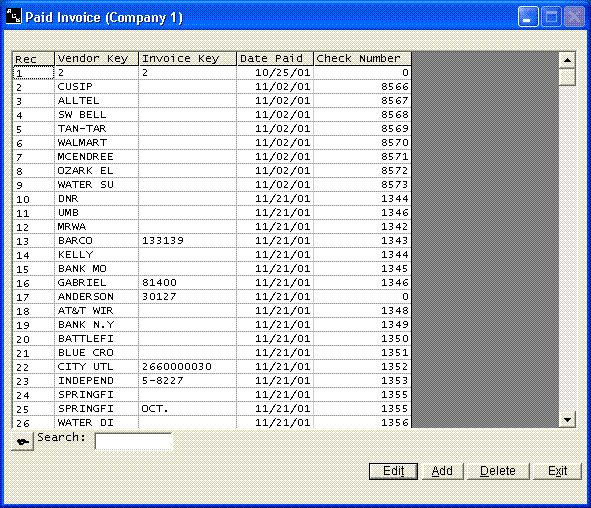
The Add button will allow you to add paid invoices to this file at any time, but this normally would never be necessary. The system will automatically add all paid invoices to this file as the checks are printed. This file is only used to help prevent you from paying an invoice twice. The file does not have to be completely accurate and up to date if you are already using other means to prevent paying an invoice twice.
You can edit any record by highlighting the record and pressing Enter or clicking Edit or by double clicking the record.
We suggest that you never leave more that a few years of history in this file. You have a Remove Paid Invoices option on the menu under Paid.Invoices. This option will allow you to remove the old records.