
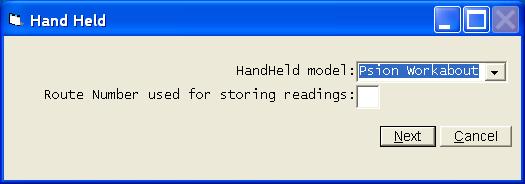
You will be asked the route number you wish to use for storing the readings as they are retrieved from the handheld. Normally you would use the real route number, but if you have more than one batch of readings with the same route number, you must assign a unique number to each batch of readings as they are transferred back to the PC.
Remember, these readings are only being stored on the PC. The bills will not be calculated until you select the Enter Readings option from the main Utility Billing menu and choose to Import for Hand Held.
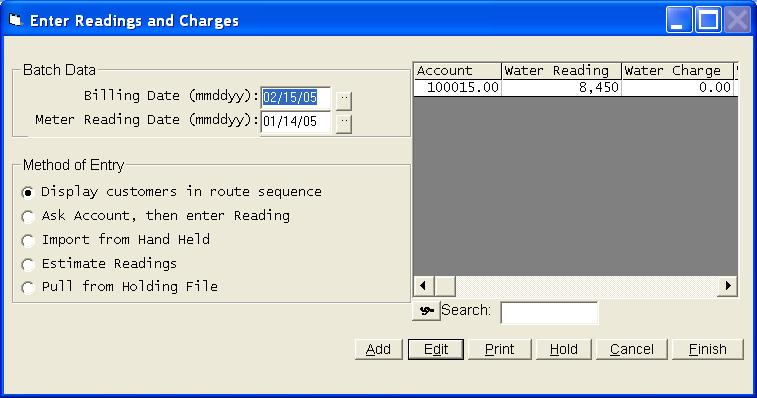
Once you retrieve the file, you can make corrections, get listings, etc. just as if you had entered the readings yourself.